CUSTOMER DATA
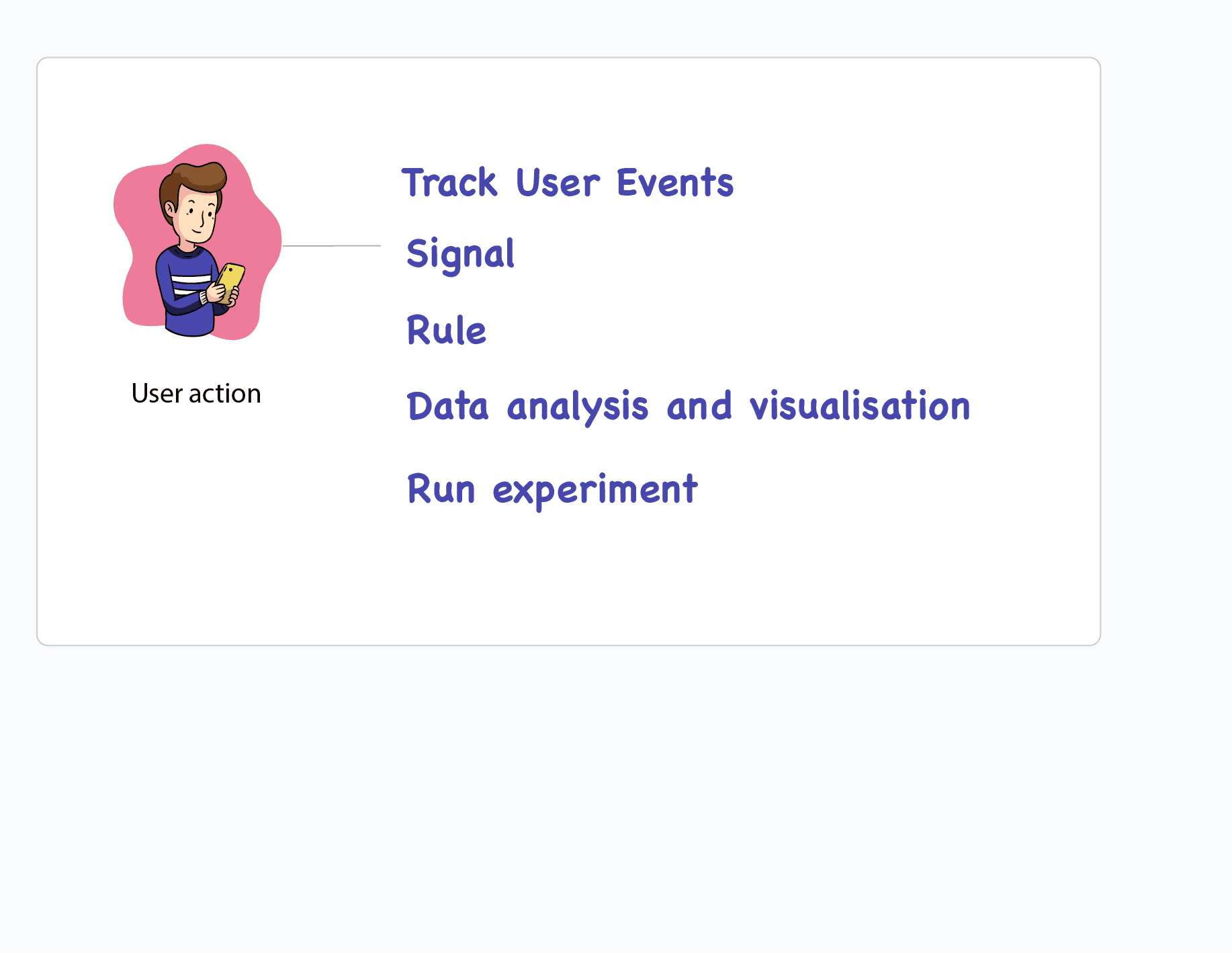
- SDK
Track event
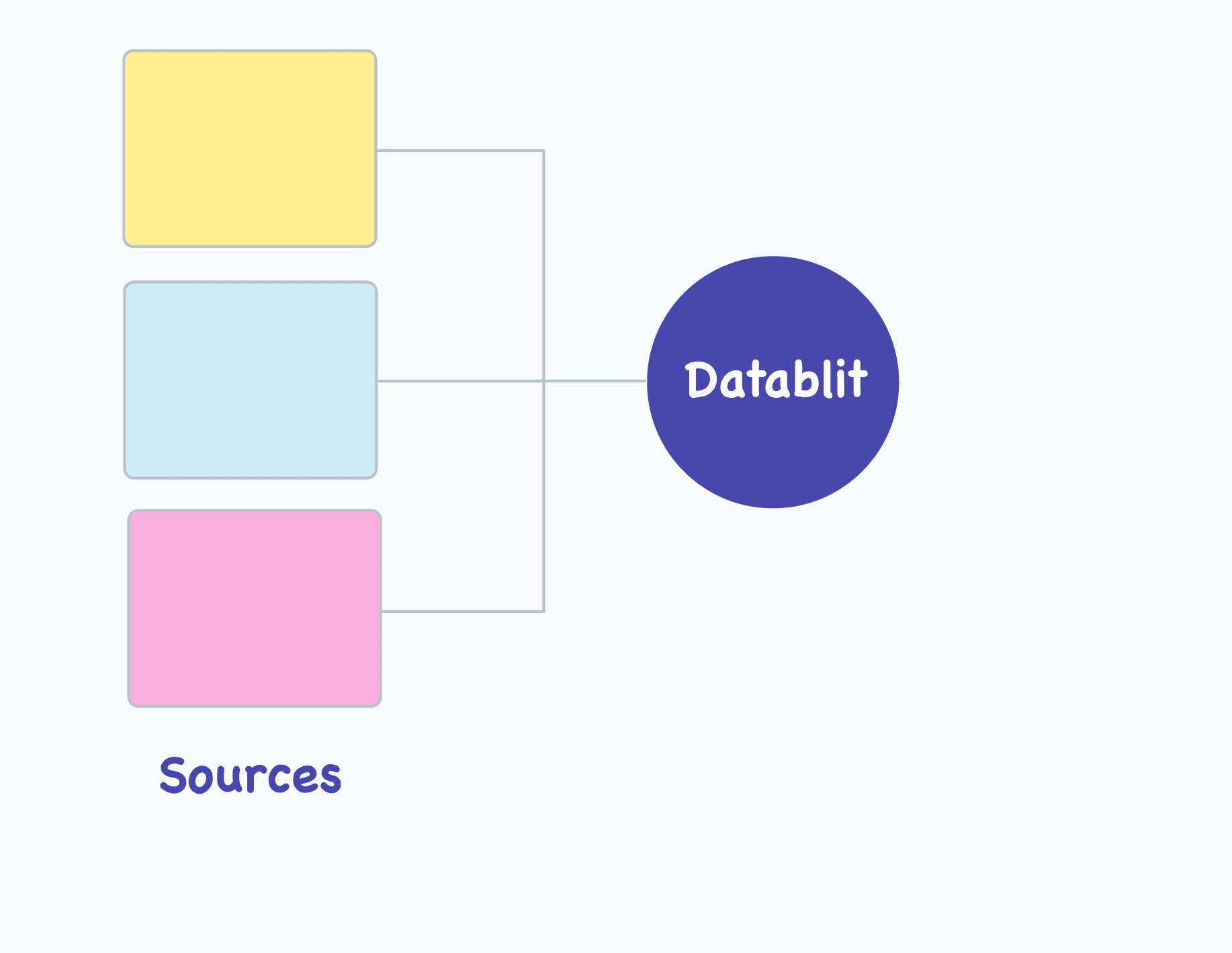
- Data Ingestion
Collect data from multiple sources
- Signal
Track custom metrics
- Rule
Logical expression governing business decision
- Data analytics and visualisation
Unlock insight with SQL analysis and interactive graphs
- Experiment
Test and validate hypothesis before rollout
- User Profile
Dive deep into the user journey
BOOST PRODUCTIVITY
DATABLIT
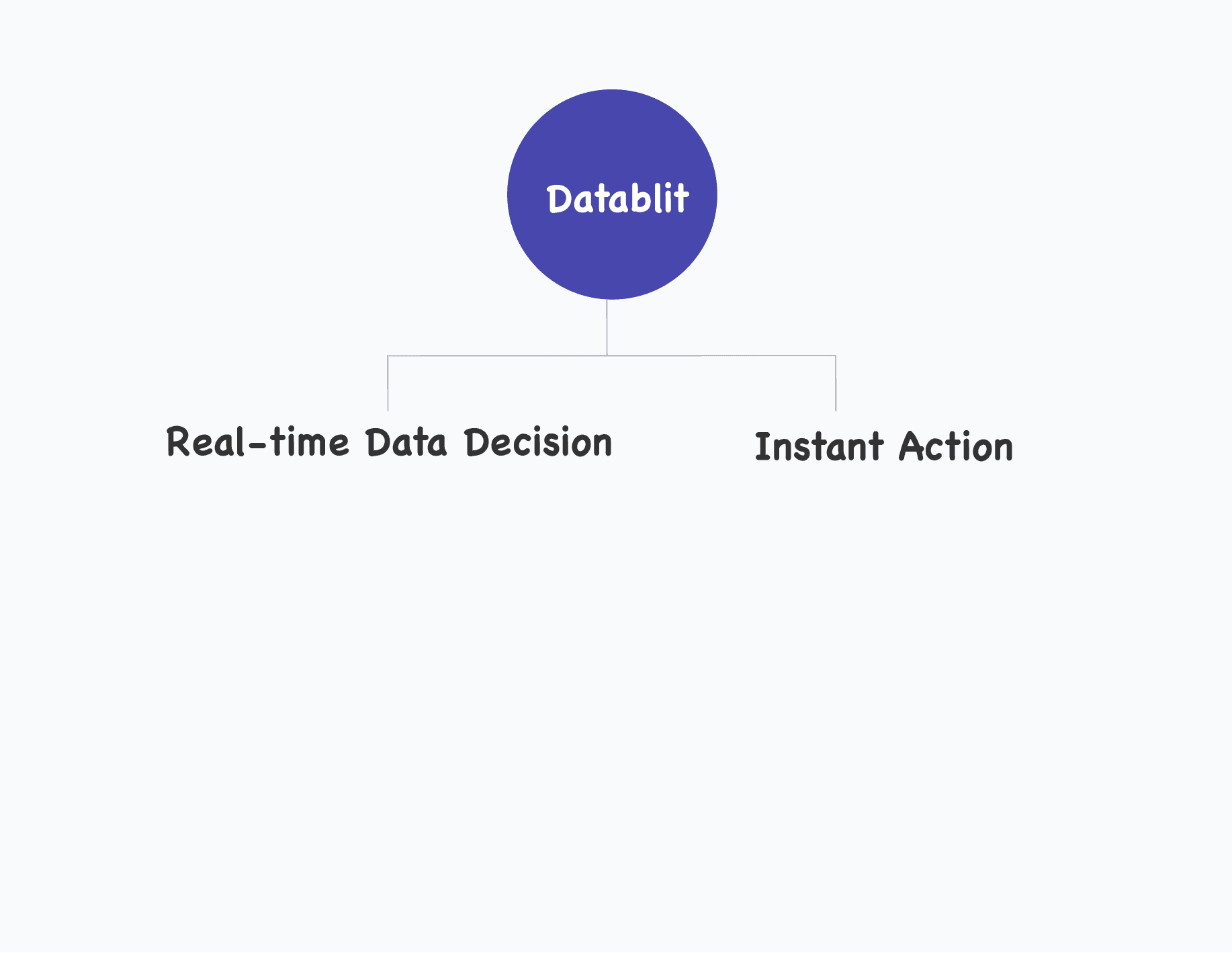
Turns weeks of engineering effort into minutes of business action.
Learn more →- SDK
- Docs
- Use Cases
- Community
- Academy
- Blog
- Pricing
Connect people and work together
Easier to connect, discuss and reach goals by bringing everyone together to communicate and collaborate
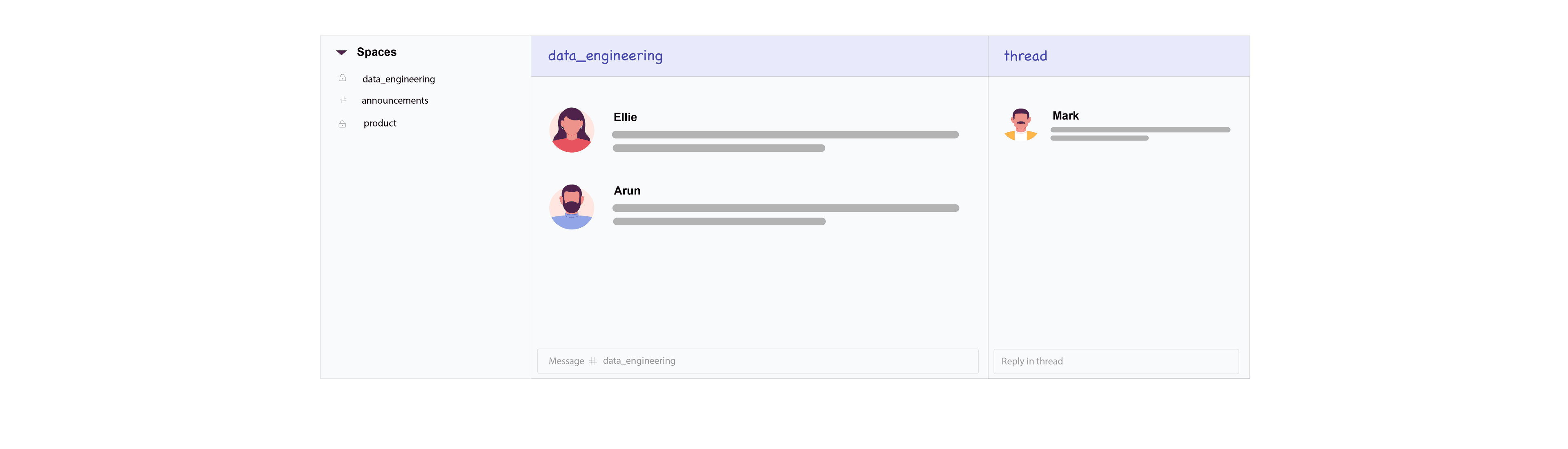
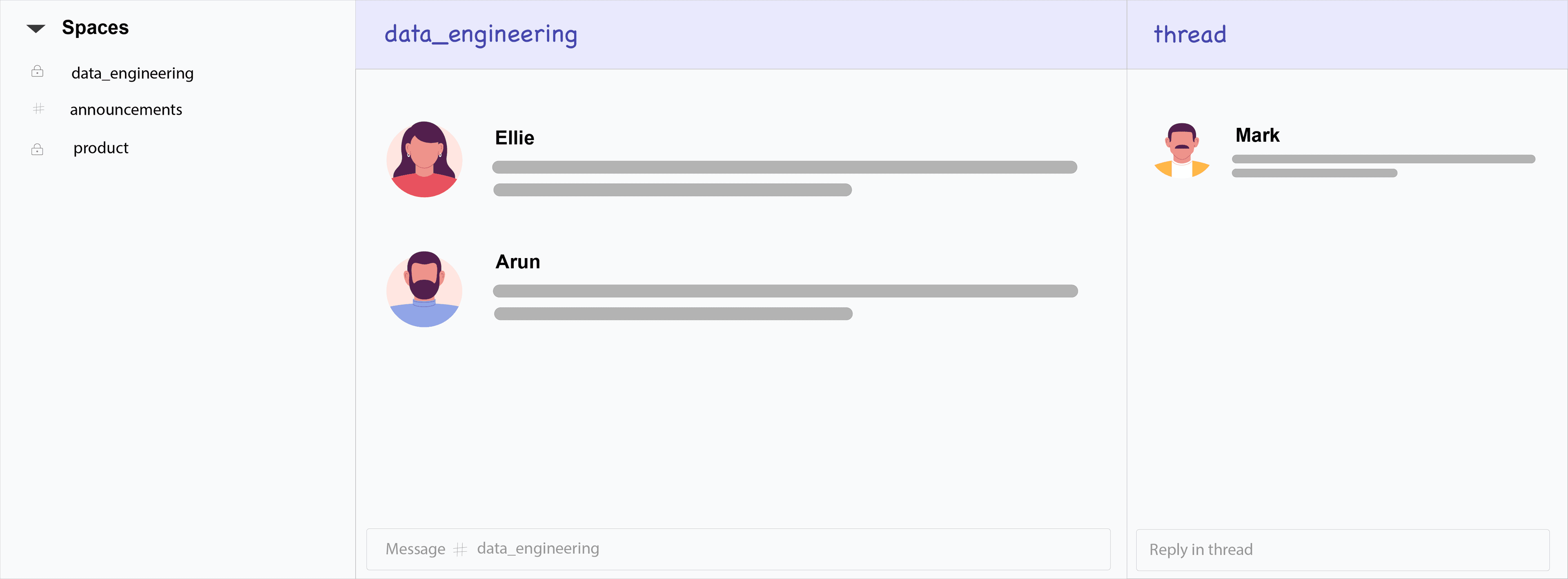
Spaces for Team Productivity
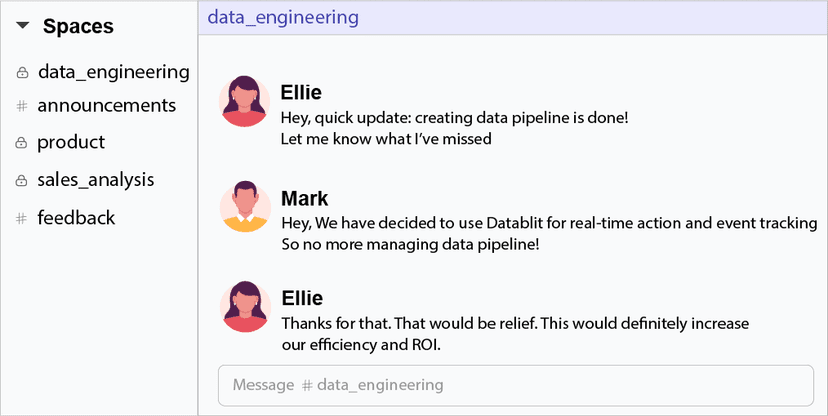
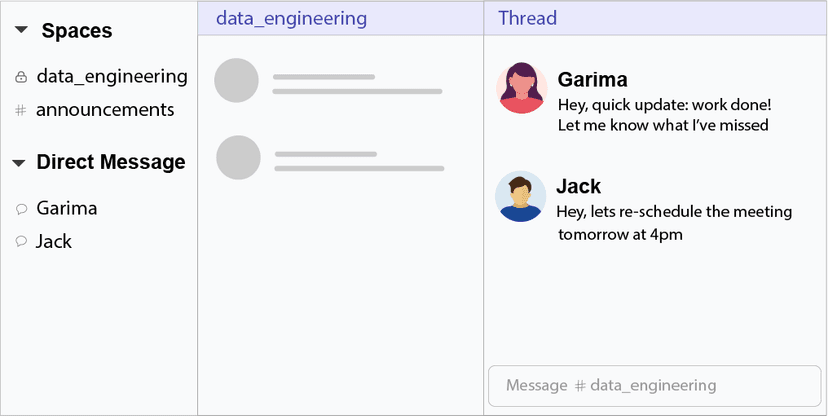
Streamline communications by bringing the right people and information together at one place. Space is dedicated place to discuss ideas, share information, work together and stay aligned with your teammates.
1:1 Private DMs
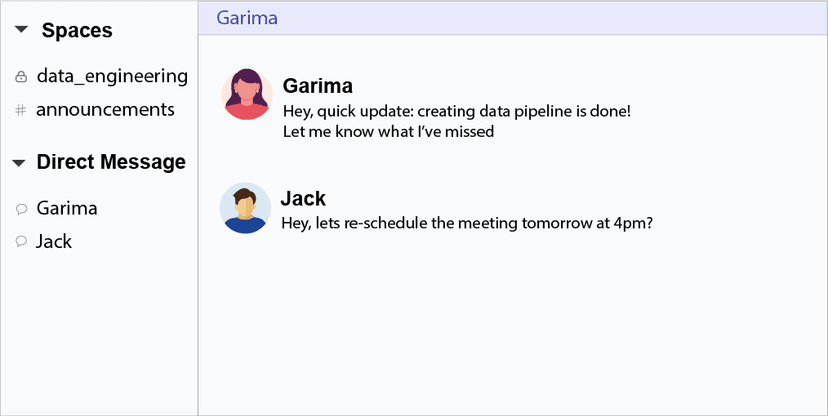
Put your message to build one to one relationship with your teammates, allowing you to chat privately. Direct Messages are useful for conversations that don't require the attention of teammates such as confidential discussions, asking to reschedule meetings, setting reminders and more.
Reply in Thread
Reply in thread to organise discussions around a specific message. Discuss business strategies and understand why a decision was made or ask a question in more detail without adding clutter.
Emoji reactions
Fun and quick way to respond to messages. Helpful for getting the work done and expressing themselves.

Pinned Messages
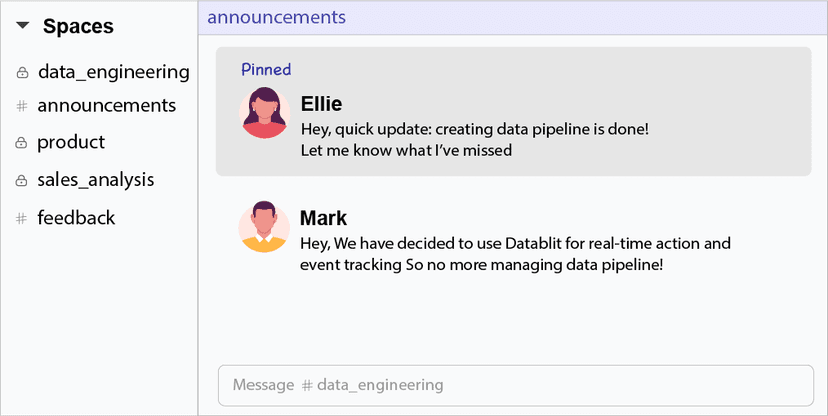
You can easily pin messages and files in Datablit to easily refer to them later. Your pinned messages can be viewed at one place by your teammates and they can use the information for business strategy execution.
Share files, attachments and links
Easily share files, photos, attachments and links with your team directly in Datablit and help make decisions together. Access anytime, refer anytime and collaborate to speed up your work.

Work with external partners
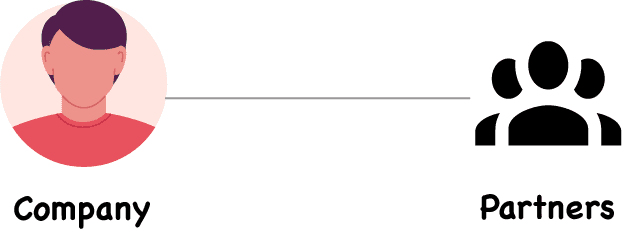
Datablit lets you work closely and securely with your most valued customers, partners and agencies by moving conversations into the same place. You decide what partners can join, see and share, allowing you to work safely.
Invite teammates
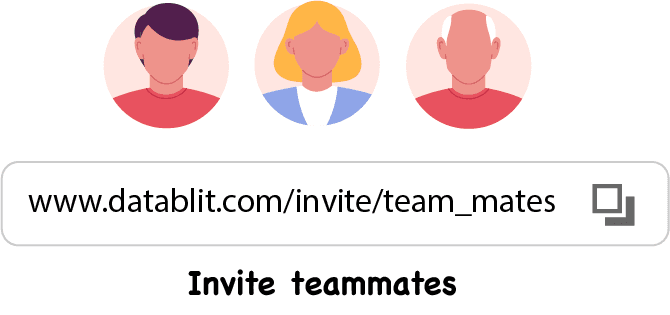
The ability to send invitations to new teammates or send an invite to partners or community members makes it easier to add and connect easily. You can send an invite by providing an email id or share the invite link directly.
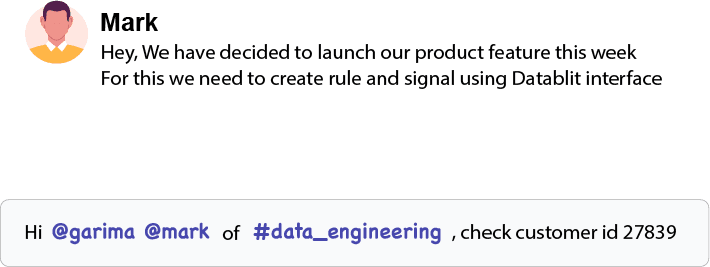
Highlight messages
Highlights are a direct way to notify people of something that needs their attention in Datablit. Use - @ to mention teammates, # to mention spaces, @everyone to mention every person, @here to get the attention of space members only where you are currently working
Notifications
A message or activity or event that requires your attention, Datablit notifies you immediately for you to focus your attention. By default, spaces and direct messages with unread activity will appear in your notification panel. After you engage with notification, it clears the space.